

The finished product was great.!!! In the last two weeks of hunting this deer, he broke off half of the right side..Employees were able to create an exact match as it appeared on trail cam photos.
Very good high quality work! I have recommended your services to others!
My husband is so pleased with his new picture. It looks just like his buck! Fast and patience support. Thank you
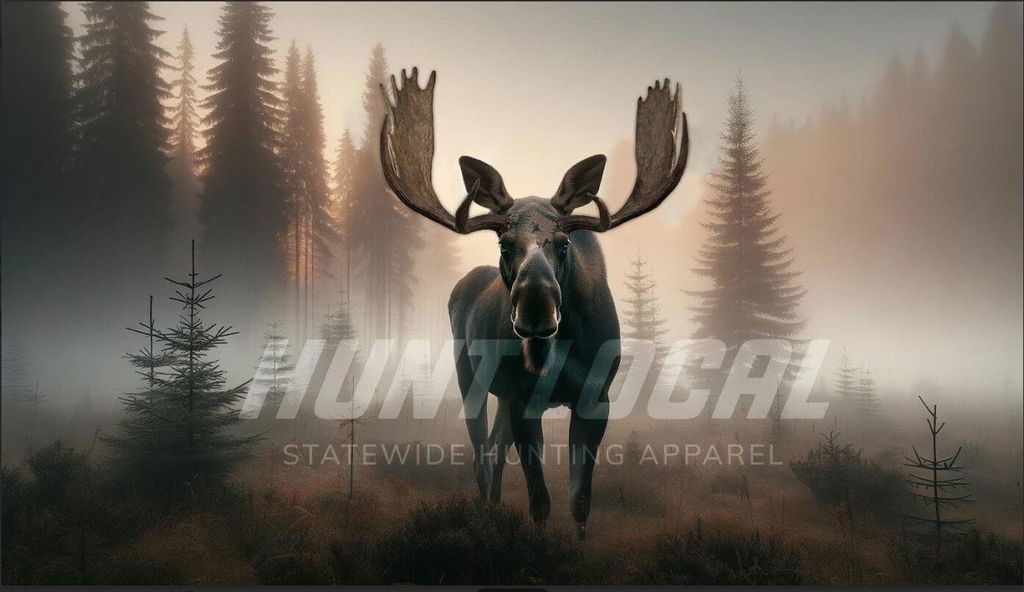
I could not recommend Hunt Local more!! I wanted to do this as a birthday gift for my boyfriend so bad and I was really worried because I had found someone else who does virtual/digital taxidermy but their online sales have been closed for over a month and they did not respond to any of my inquiries. I dug and dug for another artist who does this work and found Hunt Local and I am SO glad that I did! I had a ton of questions to start with and thought I would ask them in the chat on the website. I got immediate responses that were very helpful and decided to go ahead with purchasing. I was able to send multiple reference photos after purchasing that were used in the art. After the first draft was sent, Colby was extremely patient with me in requesting specific details to be added so that it looked just like the moose that was hunted by my boyfriend. He was very prompt in responding to my email requests and would send me the edits that I asked for without hesitation. Every detail is perfect! From the shade of the fur, to the wounds our bull got during a fight. Many different finishes are offered to print on through him and he also will send you the digital version to keep. I could not be more happy with the finished product and 10/10 will use Colby/Hunt Local again for future hunts!
I’m so pleased with how my photo turned out, the customer service is absolutely fantastic from start to finish. I had an old photo from 1986 so the quality wasn’t great like photos now and it still turned out perfect. I also got sent a proof of my print and he offered to make any adjustments that I thought it may need, even though it didn’t need any adjustments at all. It was also done and sent to me within 24 hours! Highly recommend this business and I can’t wait to give it to my dad!